
How Microsoft Copilot Helps you get More Done Every Day5 min read
A lot of teams will struggle because they have information spread across too many places. Emails build up, meetings fill the calendar, CRM records need updating, and important documents can be hard to find at the exact moment you need them. Before long, a large part of the working day is spent managing information rather than acting on it.
This is where Microsoft Copilot can make a real difference.
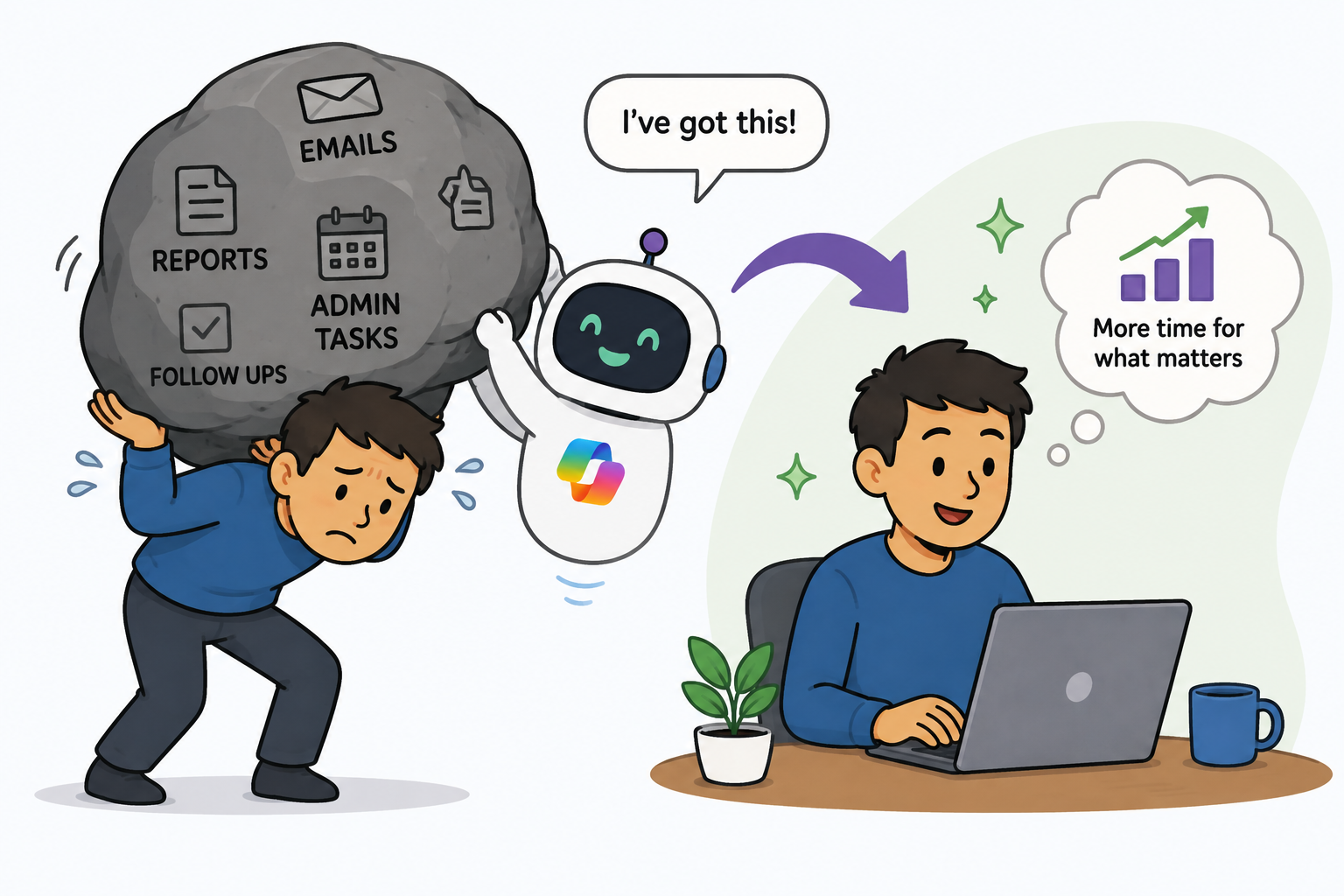
Built into Microsoft 365, Dynamics 365, and the wider Microsoft ecosystem, Copilot helps users summarise information and draft content, reducing repetitive admin work. Copilot gives people more time to spend on client conversations, strategic projects, and business growth.
Start With the Inbox

One of the biggest drains on productivity is email. Many professionals spend a significant portion of their day reading and responding to messages, and long email chains can make it difficult to understand the latest updates or identify actions that require attention.
Copilot helps by summarising email conversations and generating draft responses based on the context of the discussion, instead of you having to read every message individually.
The benefit is straightforward: less time spent processing emails and more time focused on meaningful work.
Catch up on Meetings in Minutes
Most meetings generate valuable information, but reviewing notes and following up afterwards can take almost as long as the meeting itself.
Copilot can help by creating summaries of discussions, capturing key decisions, identifying action items, and assisting with follow-up communications.
Consider a project team holding a weekly progress meeting. Rather than assigning someone to write detailed meeting notes, Copilot can generate a structured summary, helping everyone quickly understand what was discussed and what needs to happen next.
This not only saves time but also improves accountability, ensuring actions and decisions don't get lost after the meeting ends.
Keeping CRM Updated Without the Admin Burden
Maintaining accurate CRM data is essential, but it's rarely anyone's favourite task.
Sales teams often delay updating opportunities, while customer service representatives may leave case notes until later because they are focused on helping clients.
Copilot can streamline this process within Dynamics 365 by helping users capture information more efficiently, directly within their workflow. For example, after a client call, a salesperson could use Copilot to create a concise summary of the discussion, highlight agreed next steps, and update the opportunity record.
This makes CRM updates quicker and easier, helping improve data quality across the organisation without increasing administrative workload.
Prepare for Client Meetings Faster
Meeting preparation often involves switching between multiple systems to gather information about previous interactions, opportunities, support history, and communications. Copilot helps bring this information together in one place.
Before a client meeting, users can quickly access summaries of recent activities, previous interactions, and account information, helping them walk into conversations fully prepared.
Instead of spending half an hour gathering information, users can focus more on how they want to approach the conversation and add value for the client.
Create Content Faster Without Starting From Scratch

Whether you're writing reports, client emails, proposals, presentations, or project updates, creating content can often feel time-consuming. And the hardest part is usually getting started.
Copilot can help overcome this hurdle by generating first drafts based on prompts, notes, or existing information. For example, a sales manager preparing a quarterly business review could ask Copilot to create an initial presentation structure, draft key talking points, and summarise recent client activity.
Rather than replacing human expertise, Copilot provides a starting point that users can review, edit, and personalise. This means less time spent creating documents from scratch and more time refining content that delivers value.
Find Information Without Searching Everywhere
Many organisations store information across emails, Teams chats, documents, CRM records, and meeting notes. Finding the right piece of information can sometimes feel like searching for a needle in a haystack.
Copilot helps users locate relevant information quickly by bringing together data from across the Microsoft ecosystem. Whether you're looking for the latest client update, an action from a meeting, or details from a proposal shared several months ago, Copilot can help surface the information faster.
The result is less time spent searching and fewer interruptions throughout the working day.
Final Thoughts
Productivity is about helping people work with greater focus and less unnecessary effort. By removing friction from the small, repetitive tasks that happen every day, Microsoft Copilot helps businesses reduce manual administration, improve access to information, and streamline everyday work across Microsoft 365 and Dynamics 365.
By supporting communication, meeting management, content creation, CRM updates, and information retrieval within the tools users already work in, Copilot helps small time savings quickly add up. The result is more efficient teams, better-quality work, and more time to focus on higher-value activity that drives better outcomes.
If you're looking to reduce administrative overhead and get more value from your Microsoft investment, Cloud9 can help you identify practical Copilot use cases across Dynamics 365, Microsoft 365, Sales, Customer Service, and the Power Platform. Contact us at sales@cloud9insight.com to learn more.