
How CST Uses Microsoft Tools Every day to Support Clients Better7 min read
If you work with clients, you’ll know that great support is rarely about one big moment. More often, it is about the small things that are done consistently well.
Finding the right information quickly, keeping conversations clear, knowing who to ask when something gets technical, and making sure actions do not get missed, are the best ways to maintain strong client relationships.
For the Client Success Team (CST) at Cloud9, Microsoft tools play a big part in making that happen every day. Microsoft Dynamics 365, Microsoft Teams, Microsoft 365 and Copilot help shape how the team manages support, collaborates internally, reduces manual admin and gives clients a smoother overall experience.
Microsoft Dynamics 365 Gives the Team one Reliable Place to Work From
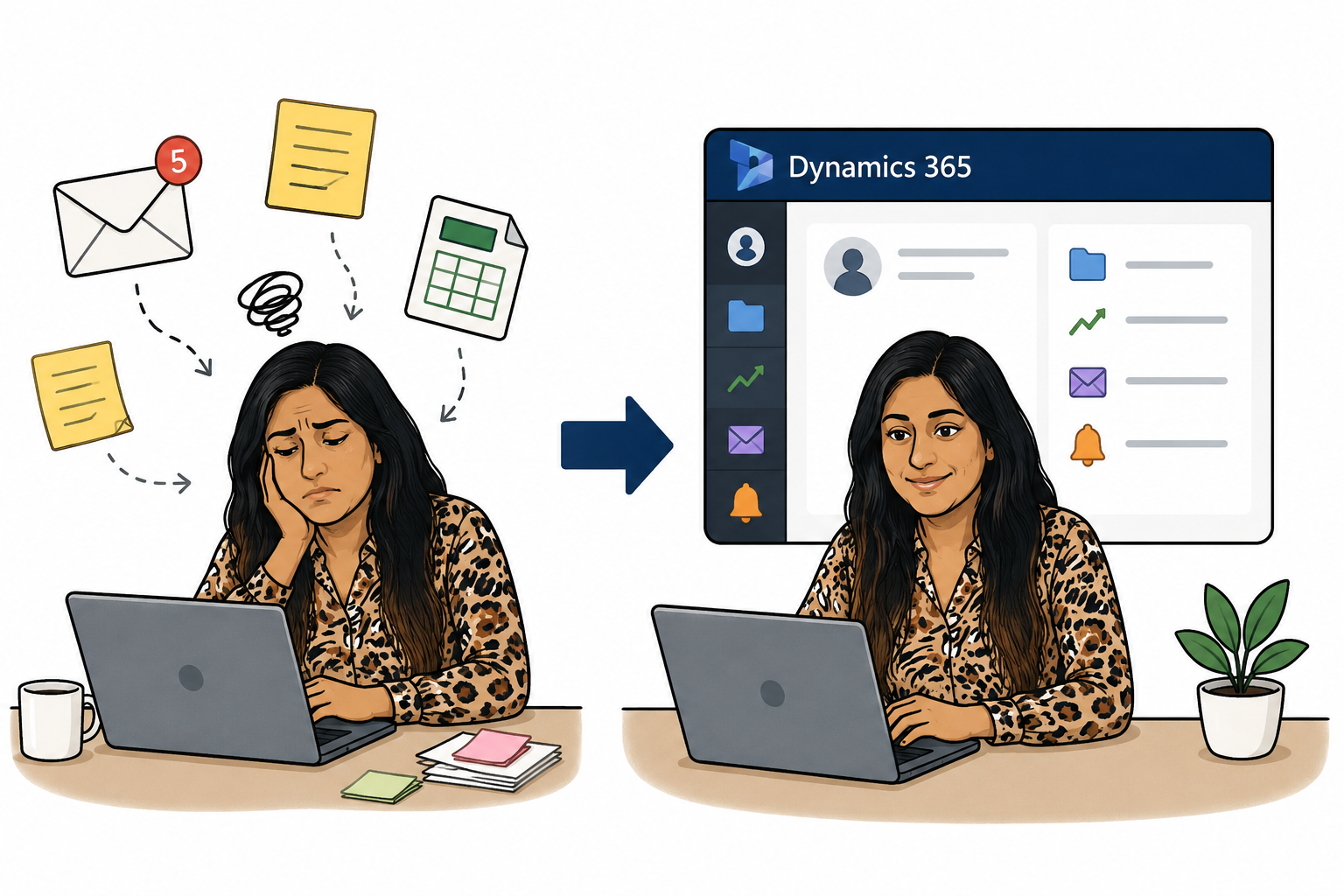
When you are supporting multiple clients, it quickly becomes difficult to rely on scattered emails, notes, spreadsheets or memory to store information about them. When information is not easy to find, the whole support experience becomes slower and less joined up.
This is where Dynamics 365 makes a real difference for CST. A typical day often starts in Dynamics, where the team can review support cases, check client activity, review previous communications, and understand what needs attention next. Instead of starting from scratch every time, the team can see the wider picture behind a client request.
The benefit for the client is significant. They do not have to repeat themselves every time they discuss a case. This matters because good client support means making the client feel understood. When the team has access to the right information in one place, the conversation becomes more informed, and the support feels more personal.
Microsoft Teams Keeps Collaboration Quick
Sometimes client questions need a second opinion. Sometimes the issue crosses into another area, such as security roles, Power Automate, reporting, data migration or integrations, and, in those moments, speed matters.
Microsoft Teams helps CST avoid working in silos. Instead of waiting for a formal meeting or sending a long email chain, we can ask quick questions, share screenshots, tag the right colleague and get input from someone with the right expertise. This is especially useful when a client issue needs momentum and the next step depends on another person’s knowledge.
For example, the team might be troubleshooting a Dynamics 365 process that has triggered for one record but not another. This issue could relate to field values, workflow conditions, security roles, form configuration or a background process. Rather than struggle alone, we can use Teams to ask a colleague who has seen something similar before.
An important point here is that Teams does not replace proper documentation or case management; it supports it. It gives CST a way to have fast, practical conversations while keeping client work moving. Once the next step is identified, the relevant update can still be captured properly in Dynamics 365.
For clients, this means fewer delays. For CST, it means knowledge is shared more naturally across the team. Over time, this also helps consultants learn from one another, build confidence and avoid reinventing the wheel every time a tricky issue appears.
Microsoft Copilot Helps Reduce the Time Spent on Admin

Client-facing work involves a lot of communication. Meeting notes, case updates, follow-up emails, internal summaries, research, training content and explanations all take time. None of these tasks are unimportant, but they can become heavy when you are switching between multiple clients and priorities.
Copilot helps CST save time on the admin around the work, so that consultants can spend more energy on the work itself.
For example, after a client call, a consultant may need to summarise what was discussed and explain the issue to another colleague who will help investigate. Writing that from scratch can take longer than expected, especially if the topic is technical.
Copilot can help turn rough notes into a clearer summary, help structure an email, make the wording more client-friendly, or condense a long explanation into something easier to share internally.
This is where AI becomes genuinely useful in day-to-day client success work. If you have ever spent ten minutes trying to word a client update carefully, you can probably see the benefit.
Microsoft 365 Supports Everyday Work Around Client Success
Client success is not only about cases. It also involves documentation, training materials, internal planning, file sharing and knowledge management. Microsoft 365 supports many of those everyday activities because it gives CST a familiar set of tools to create, edit and share information.
For example, the team may prepare a short guide for a client after a training session. They can use Word to structure the document, Outlook to send the follow-up, and Teams to share the draft internally for a quick review. If the content needs to be reused later, it can become part of the team’s wider knowledge base.
This matters because support does not end when a ticket is closed. Clients often need helpful resources and guidance they can refer back to. Microsoft 365 helps CST turn knowledge into something shareable and long-term.
The practical takeaway is that good documentation improves both the client experience and the team’s efficiency. When answers are written clearly and stored properly, they can help more than one person, more than one time.
Better Tools Create a Better Client Experience

The real value of these Microsoft tools is in what the technology allows the team to do better.
Dynamics 365 helps CST understand the full client picture. Teams helps people collaborate quickly. Copilot helps speed up communication and summarisation. Microsoft 365 supports the documents, emails and knowledge sharing that sit around client work.
Used together, these tools help CST deliver support that is more connected, more consistent and more personal.
What Other Businesses can Learn From Cloud9's Approach
You do not need to transform everything at once to get value from Microsoft tools. In fact, the best improvements often start with small, practical changes.
If your team is spending too much time searching for information, start by looking at where customer data is stored and whether it gives people a reliable single view.
If collaboration feels slow, look at how your team asks questions, shares knowledge and escalates issues internally.
If communication takes too long, consider where Copilot could help with summaries or research.
The point is to understand where your team loses time, where clients experience friction and where small improvements could make daily work easier. That is where Microsoft technology can make the biggest difference.
Looking Ahead
As Microsoft continues to develop AI and collaboration tools, the opportunity for client success teams will only grow. The strongest use of technology is about simplifying work and helping people do their best work with less friction.
For CST at Cloud9, Microsoft tools help the team stay connected, manage client relationships more effectively, reduce manual effort and keep support moving. More importantly, they help create a better experience for the clients who rely on the team every day.
If your business is already using Microsoft tools, the opportunity may be closer than you think. Start by looking at the everyday moments where information gets missed or communication takes longer than it should. That is often where the biggest improvements begin.
If you are interested in Microsoft tools and want to make them work more smoothly for your team, Cloud9 can help you explore the next practical step. Contact sales@cloud9insight.com to start the conversation.